School fees software with EFT bank imports
Set fees per grade and term, issue receipts, record bursaries and waivers, and open the CSV from your online banking to match every EFT payment to its learner by reference, in rand.
The scale
The grading Msingi uses
CAPS achievement levels
| Level | Marks | Points |
|---|---|---|
| 7 Outstanding achievement | 80–100% | 7 |
| 6 Meritorious achievement | 70–79% | 6 |
| 5 Substantial achievement | 60–69% | 5 |
| 4 Adequate achievement | 50–59% | 4 |
| 3 Moderate achievement | 40–49% | 3 |
| 2 Elementary achievement | 30–39% | 2 |
| 1 Not achieved | 0–29% | 1 |
Questions schools ask
Before you try it
Which banks does it read?
The CSV statements from online banking at FNB, Standard Bank, Absa, Nedbank, Capitec and others. Open the file, and each payment is matched by its reference.
What if a parent uses the wrong reference?
Payments that cannot be matched are listed for the bursar to place by hand. Nothing is dropped.
Can we see who is in arrears?
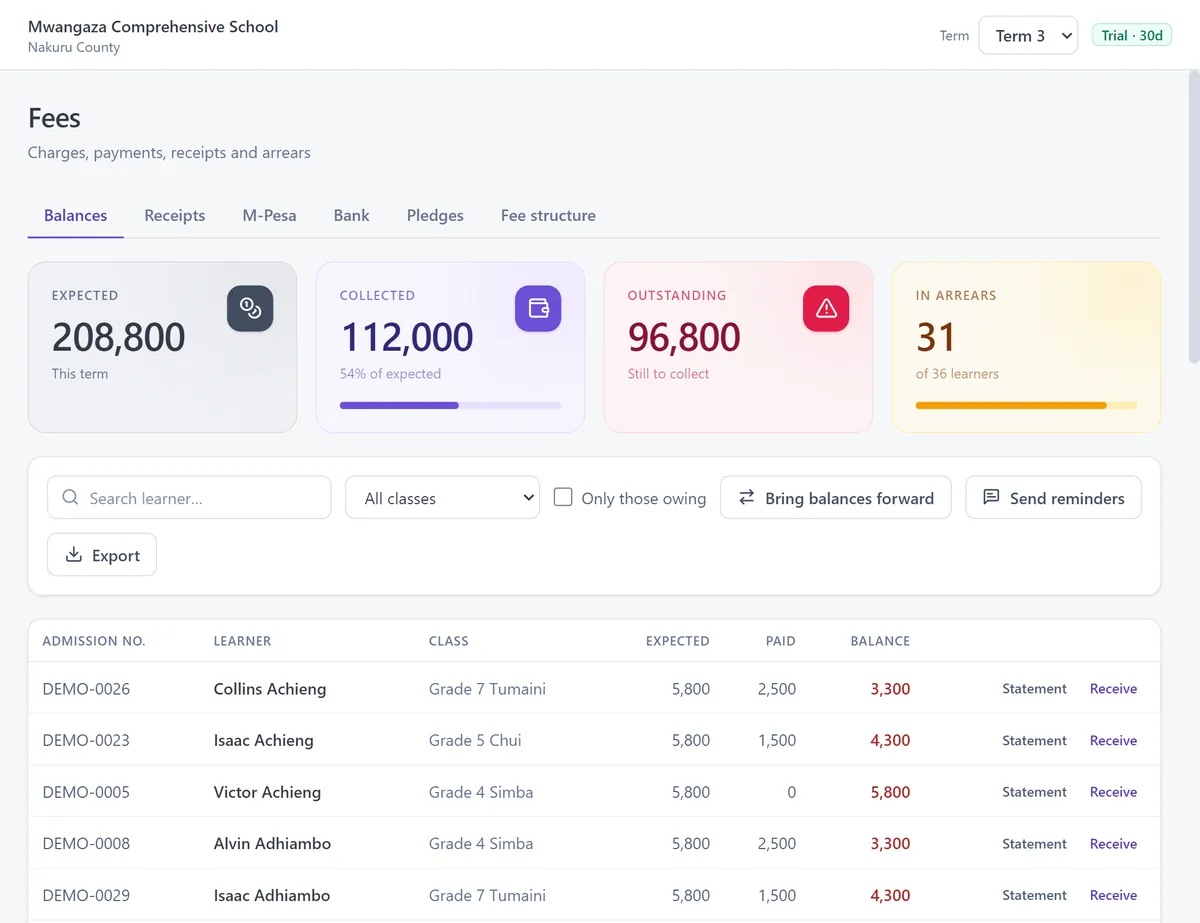
Yes. The arrears list shows every learner with a balance, by grade.
Will it withhold a report card for unpaid fees?
No. A report card may never be withheld for fees, and Msingi follows that rule.
Does the bursar see marks?
No. The bursar role covers learners and fees only.