Download
Msingi for Windows
One installer for both 32-bit and 64-bit Windows — it detects which one your computer needs. Windows 10 or later.
Version 1.41.0 · Msingi-1.41.0.exe · 142 MB · released 2026-10-26
Install if the computer is yours to install on — that version keeps itself up to date. The portable version runs from a flash drive without installing, which suits a shared or borrowed computer, but it cannot update itself: download it again when a new version is out.
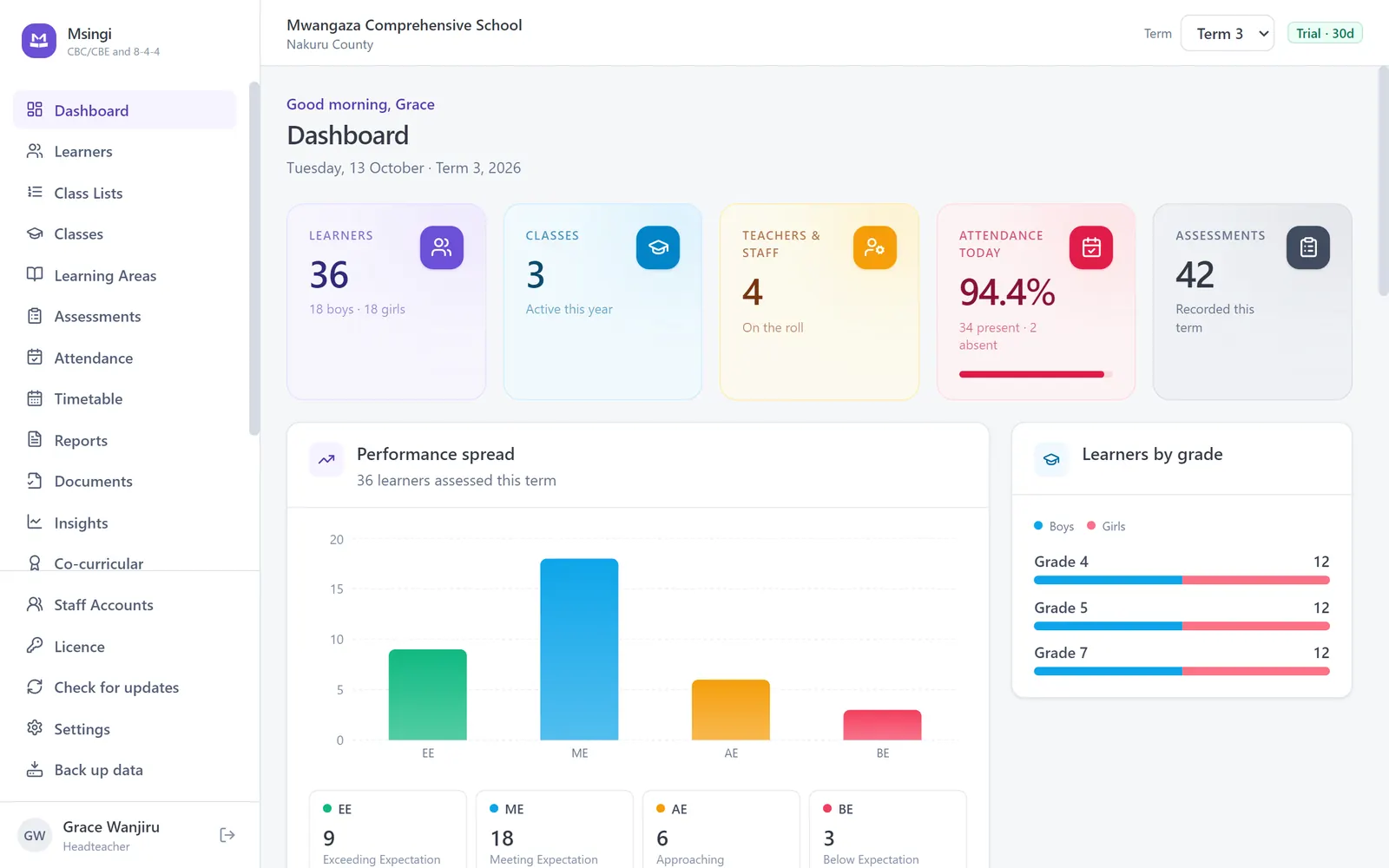
Is your Msingi window blank after you sign in?
Versions 1.15.0 to 1.20.0 could open to an empty white window. Your records are safe — they are in a file on the computer, not in the window, and nothing has been lost.
Download the installer above and run it on that computer, over the copy you already have. Your learners, marks and fees are kept. If that computer has no internet, copy the installer onto a flash drive from any computer or phone that does.
From version 1.21.1 you can also do it inside Msingi without the screen: press Alt to show the menu bar, then choose Help › Check for updates.
Updates take care of themselves
Once installed, Msingi checks for a new version shortly after it opens and every few hours after that, whenever the computer has internet. When one is available it says so and waits for you to press Update now — nothing is downloaded without asking, because that costs money on a phone connection.
Copies installed before version 1.5.1 cannot do this and need updating by hand, once. Check the version at the bottom of the sign-in screen; if it is older, download and run the installer above and it will keep itself current from then on.
Installing on a school with no internet
Download it once anywhere there is a connection — a phone, a cyber café — copy it to a flash drive, and run it on the school computer. Msingi never needs the internet again after that. Updates work the same way, and Msingi checks the signature on an update before it installs anything.
Windows will warn you
The installer is not yet signed with a paid certificate, so Windows shows a blue "Windows protected your PC" screen. Choose More info, then Run anyway. Check the SHA-256 below if you want to be certain the file is the one we published.
Check the file
SHA-256, if you want to check the file arrived intact:
fcd18a4524101f4f88feb6a4635d58aa965098d1d2384485dad6816e6d53d458
Ready to use it for real?
Set up your school for free. A licence is needed once you begin entering assessment records, and nothing you enter beforehand is lost.